01
Portal & Content
Pages, modules, external links, navigation, media, SEO metadata, themes and translations.
A purpose-built control plane for Dark Age of Camelot servers. DAoC CMS combines a complete website and community stack with direct DOL/OpenDAoC tooling — so the portal, the database and the running shard finally feel like one system.


DAoC CMS is designed around the actual workflow of a freeshard team. Publish pages, run a forum, expose Herald and PvE data, edit game content, manage players, operate the live server, configure a Discord bridge and maintain backups without jumping between unrelated tools.
Pages, modules, external links, navigation, media, SEO metadata, themes and translations.
Spike forum, private messages, profiles, moderation, permissions, reports and account standing.
Mob, item, suit, ability, character, zone, quest and economy tooling tied to DAoC data.
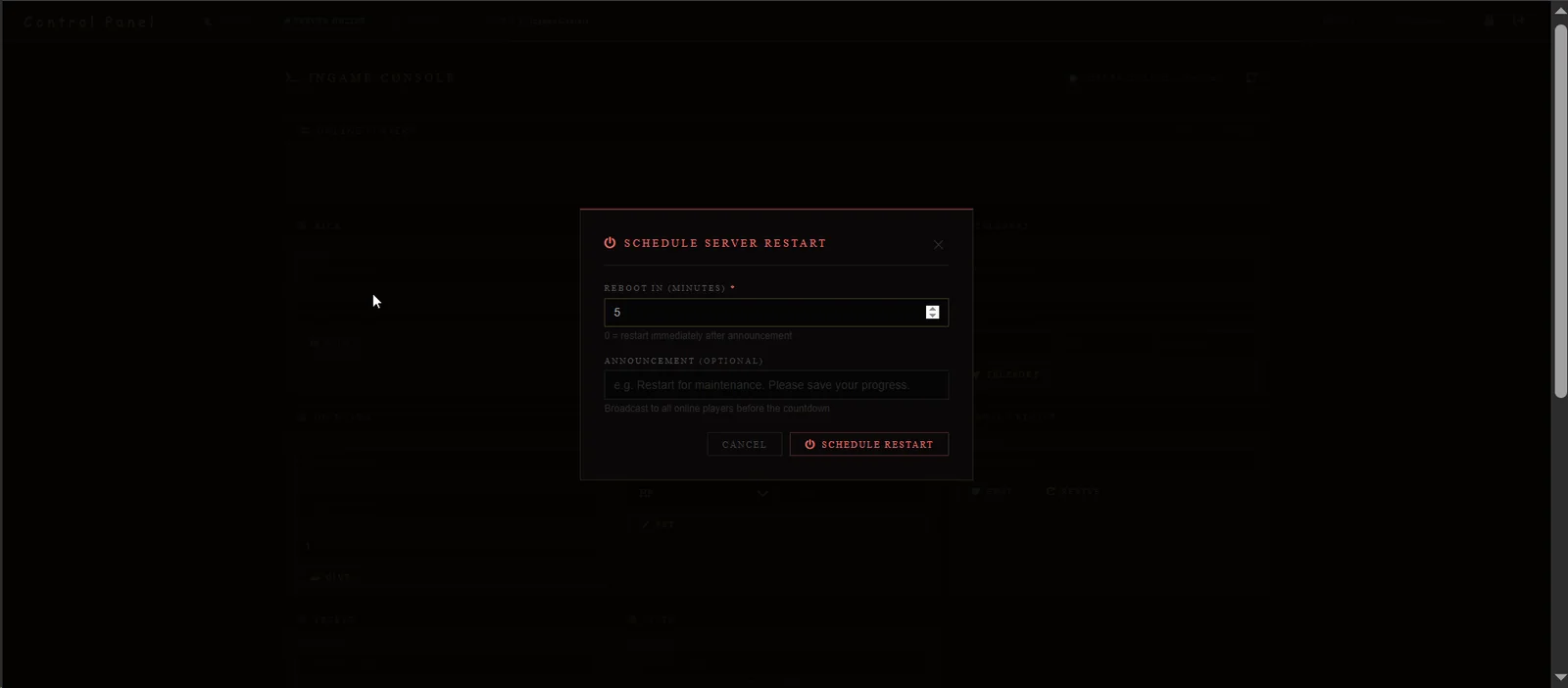
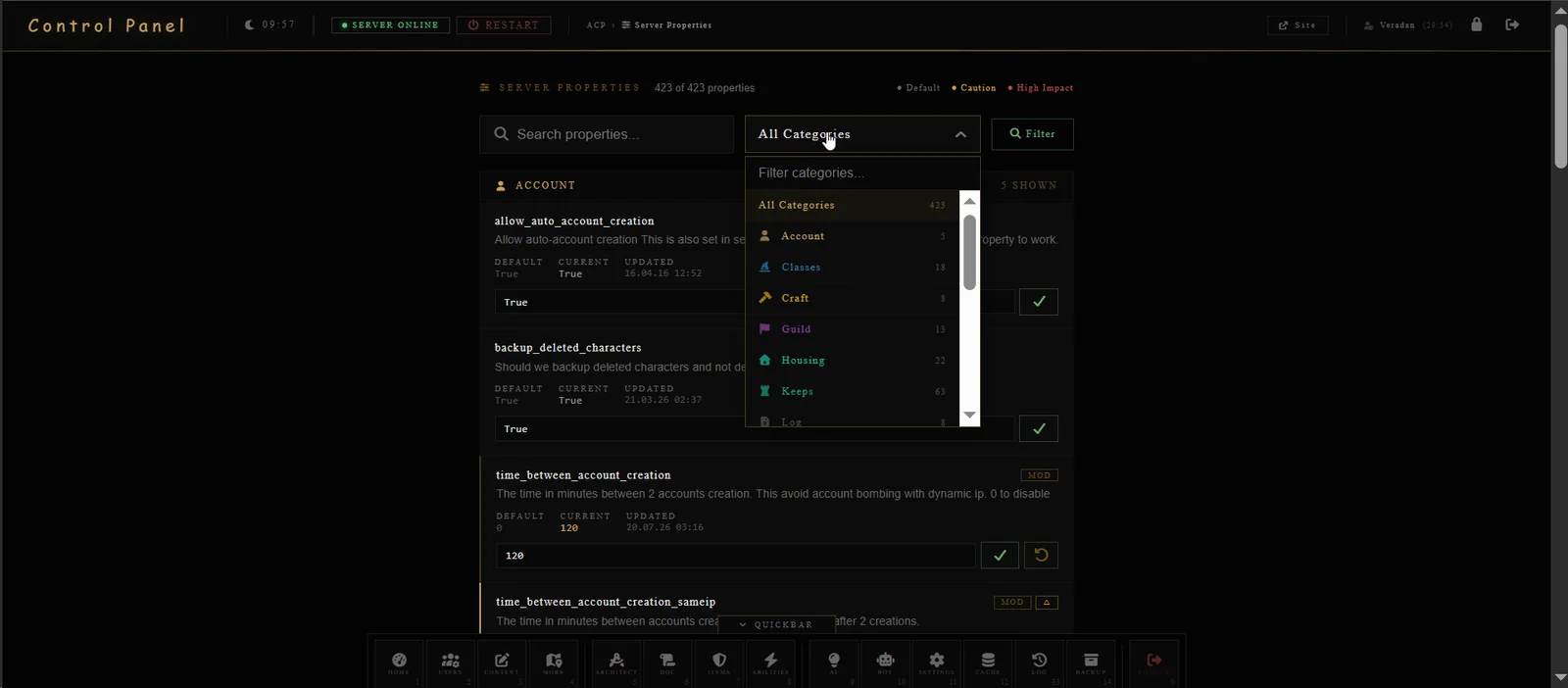
Ingame console, server properties, Discord commands, restart workflows, logs, cache and backups.
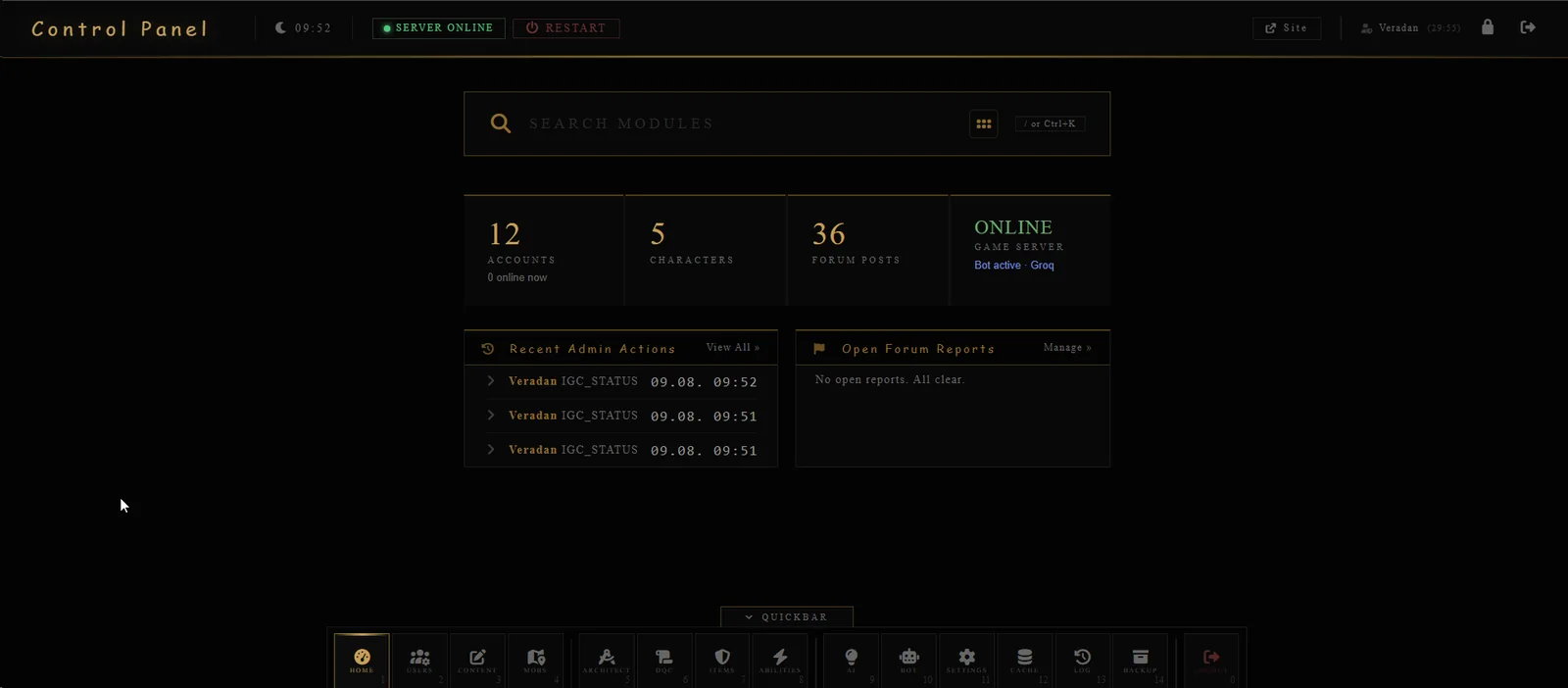
The control panel is organized around community, content, game content, server, AI/bot and system workflows. A searchable module hub and persistent quickbar keep deep tools one action away.
The frontend is more than a homepage. Herald, PvE, RvR, forum, profiles and messaging all live in the same visual language and can draw directly from shard data.
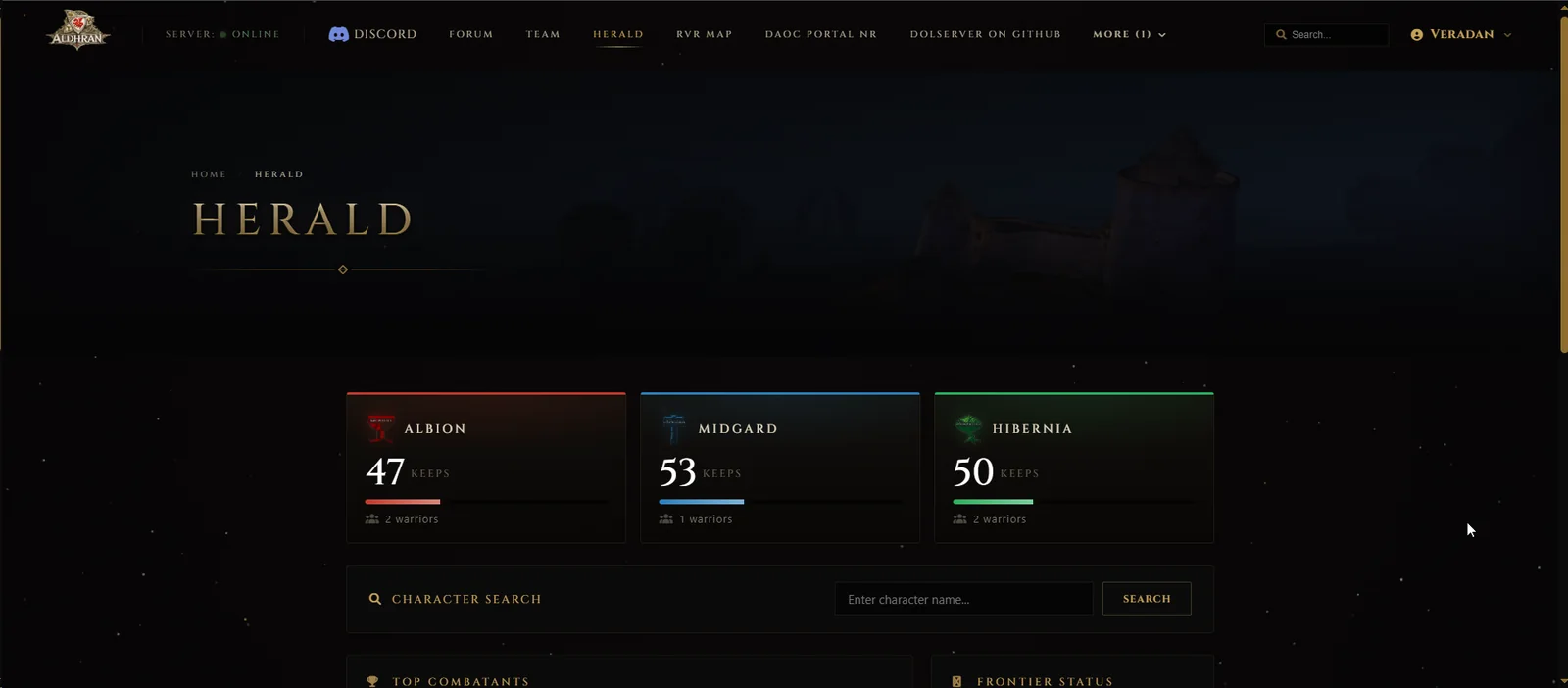
Realm population, keep totals, frontier state, top combatants and character lookup make the site useful between play sessions — not just promotional.
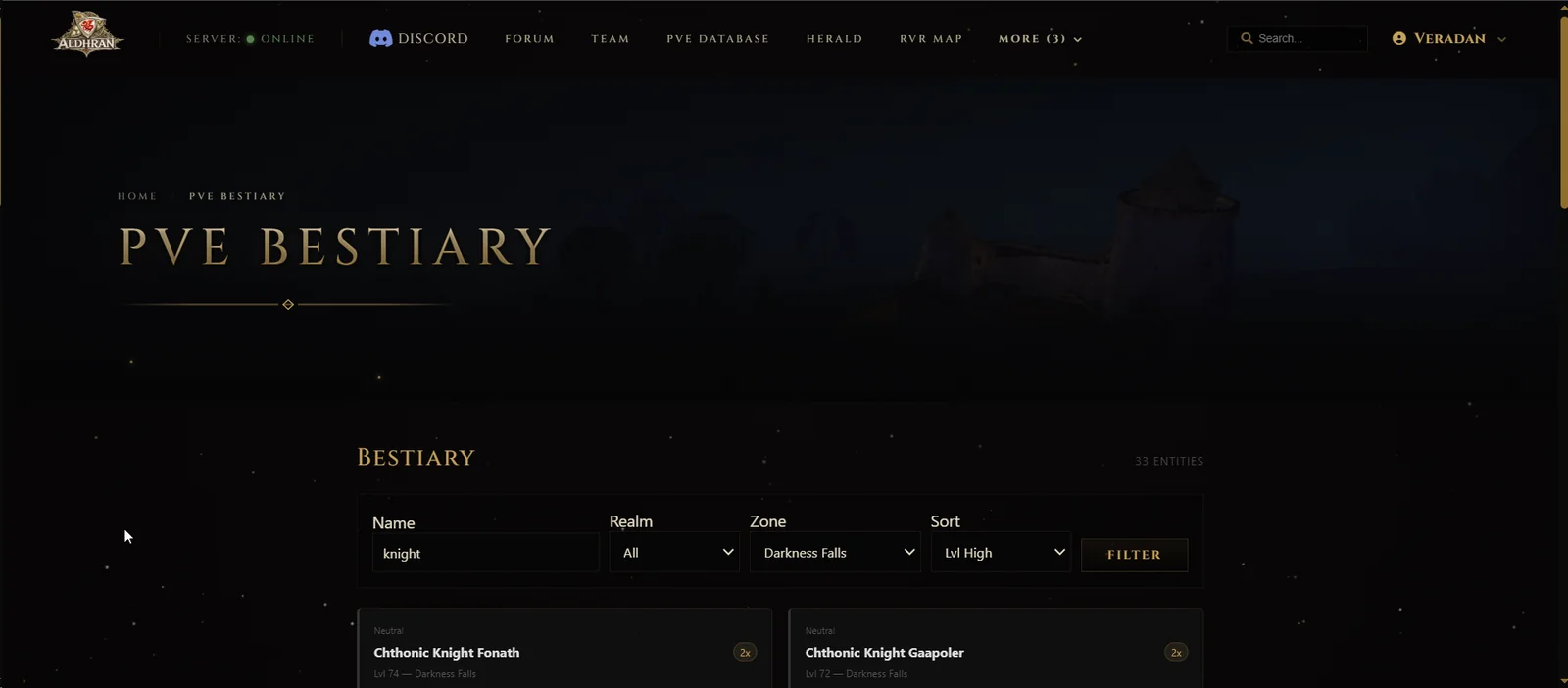
The PvE layer exposes creatures, coordinates, potential drops, quests and system items through player-friendly pages. Filters by realm, zone, name and level turn raw database rows into useful shard knowledge.
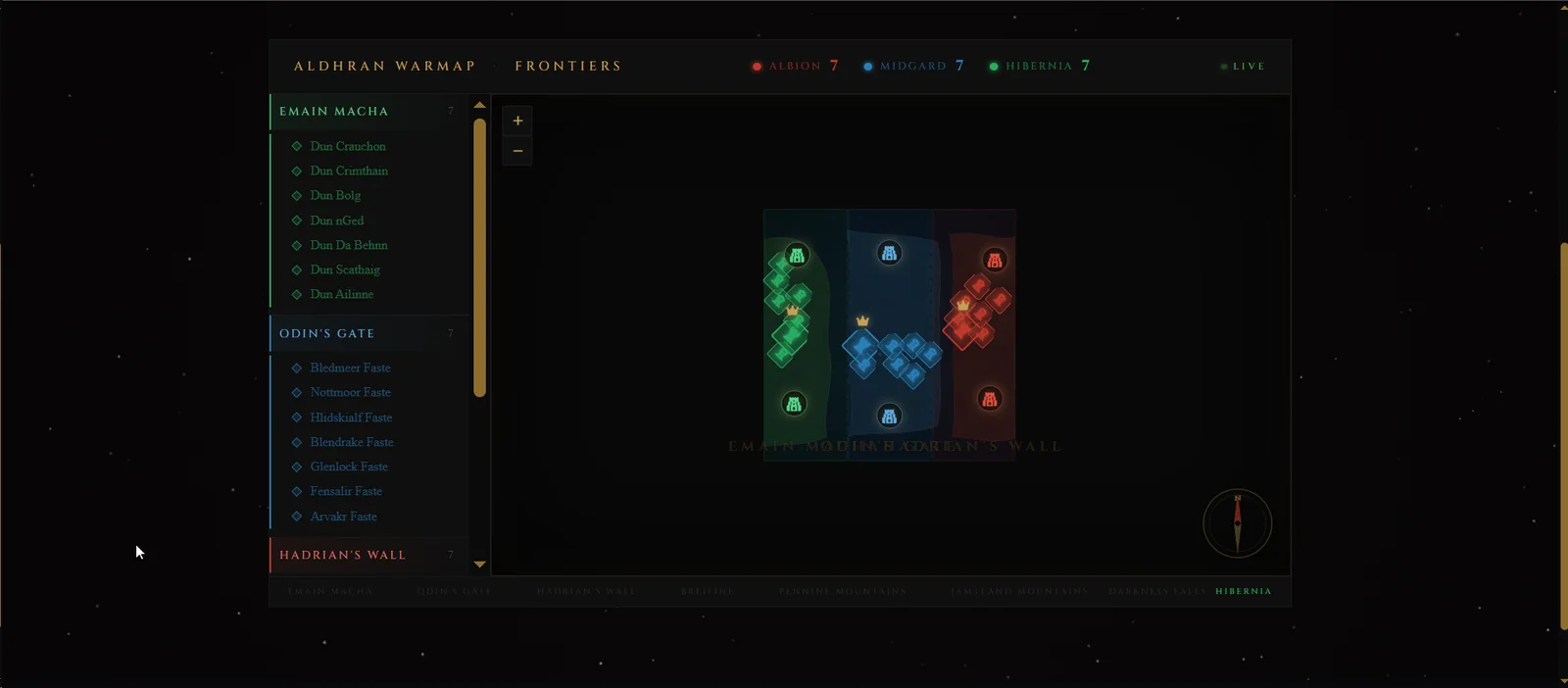
The Warmap converts realm ownership and keep data into a compact visual battlefield overview, color-coded for Albion, Midgard and Hibernia.
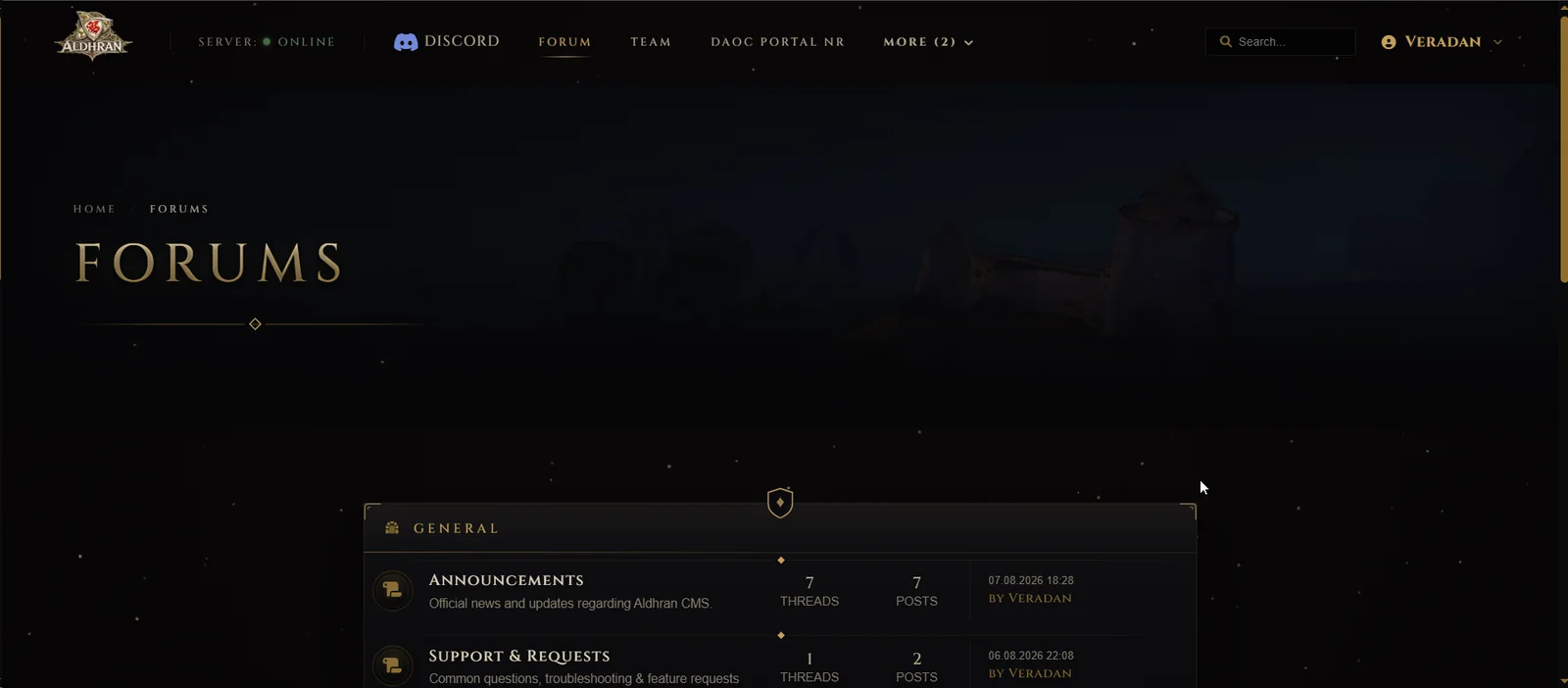
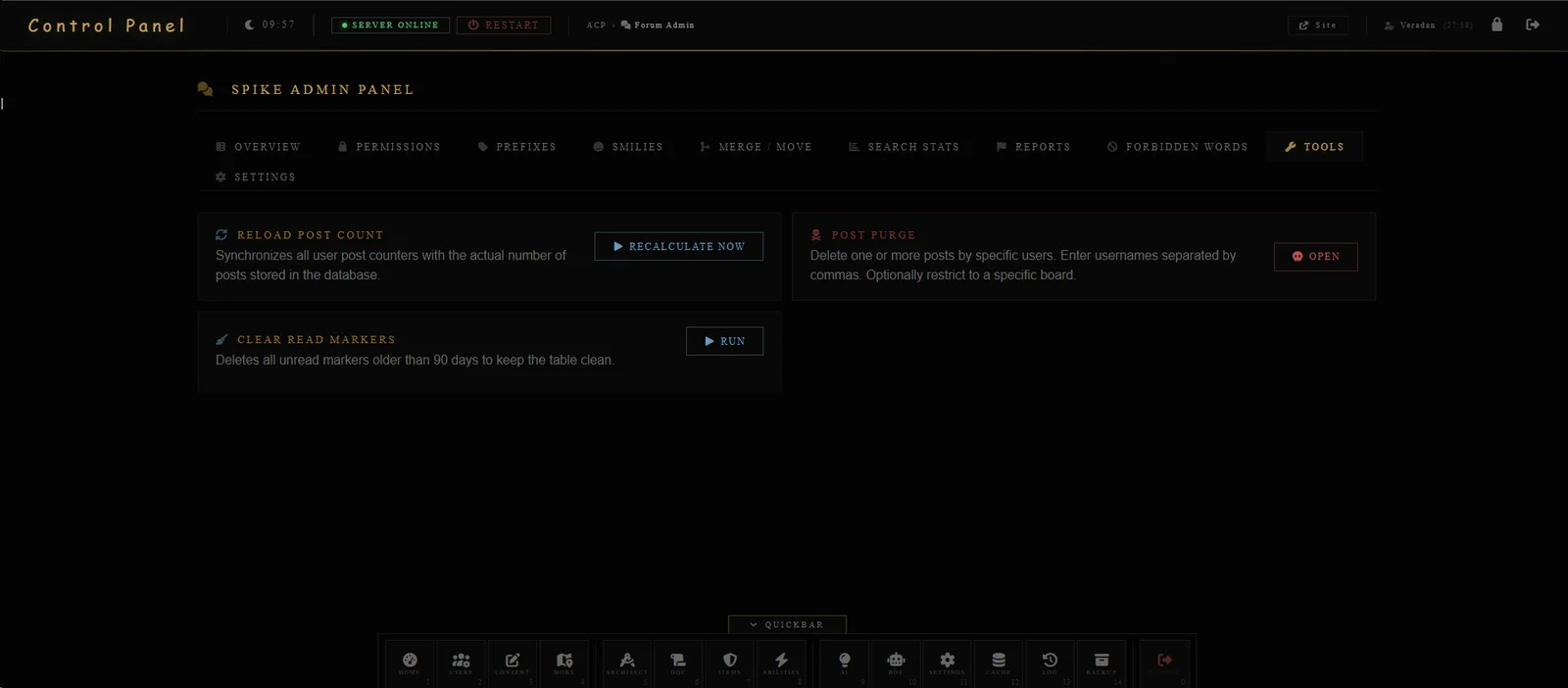
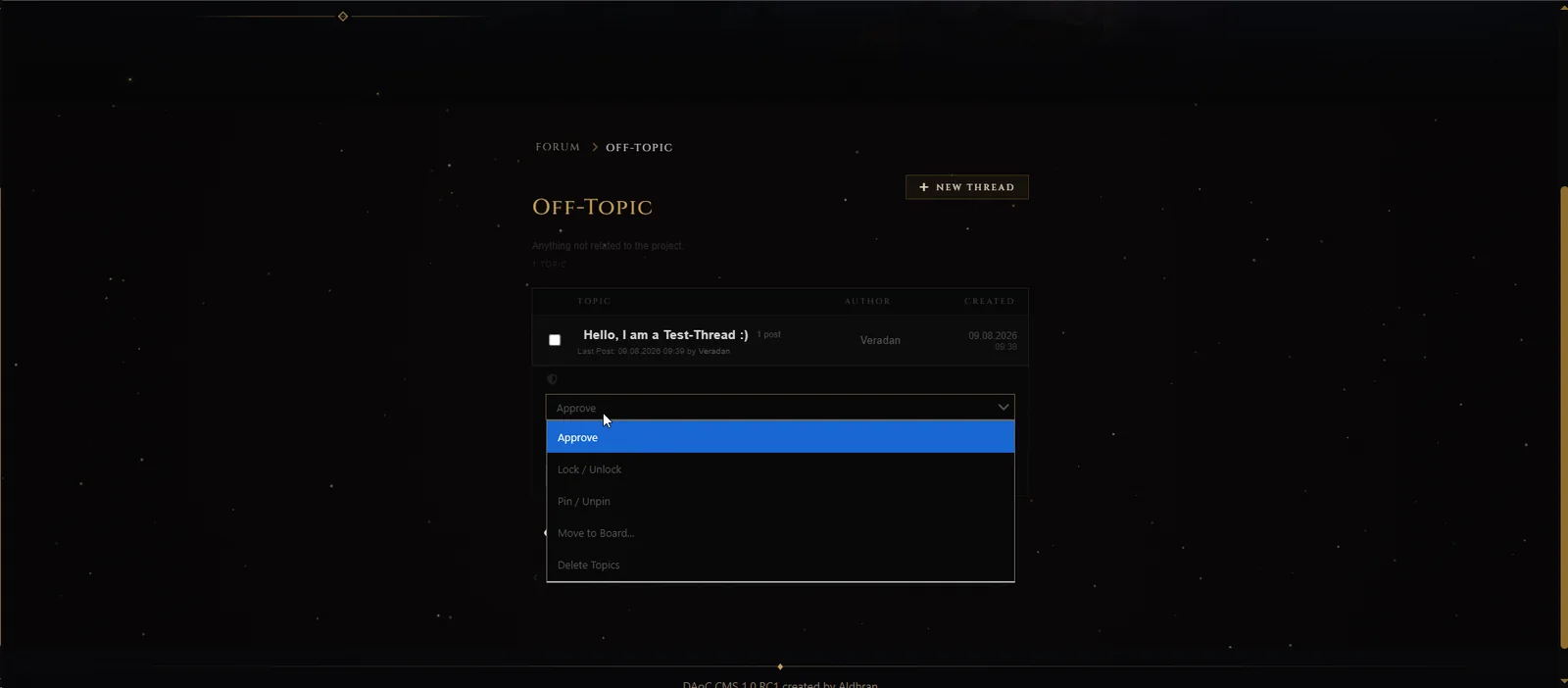
The publishing and community layers are fully integrated, so a freeshard can run its site, documentation, news and forum in the same system that understands its game server.
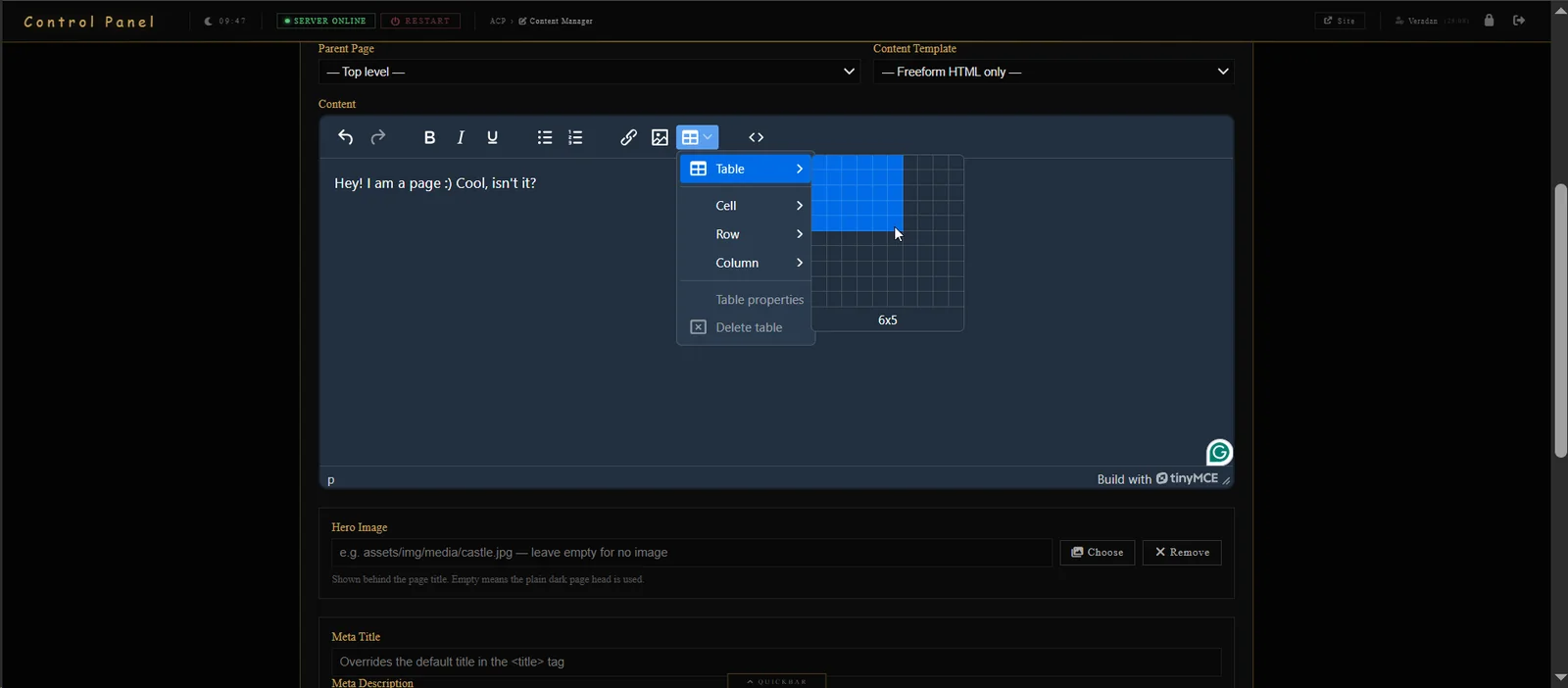
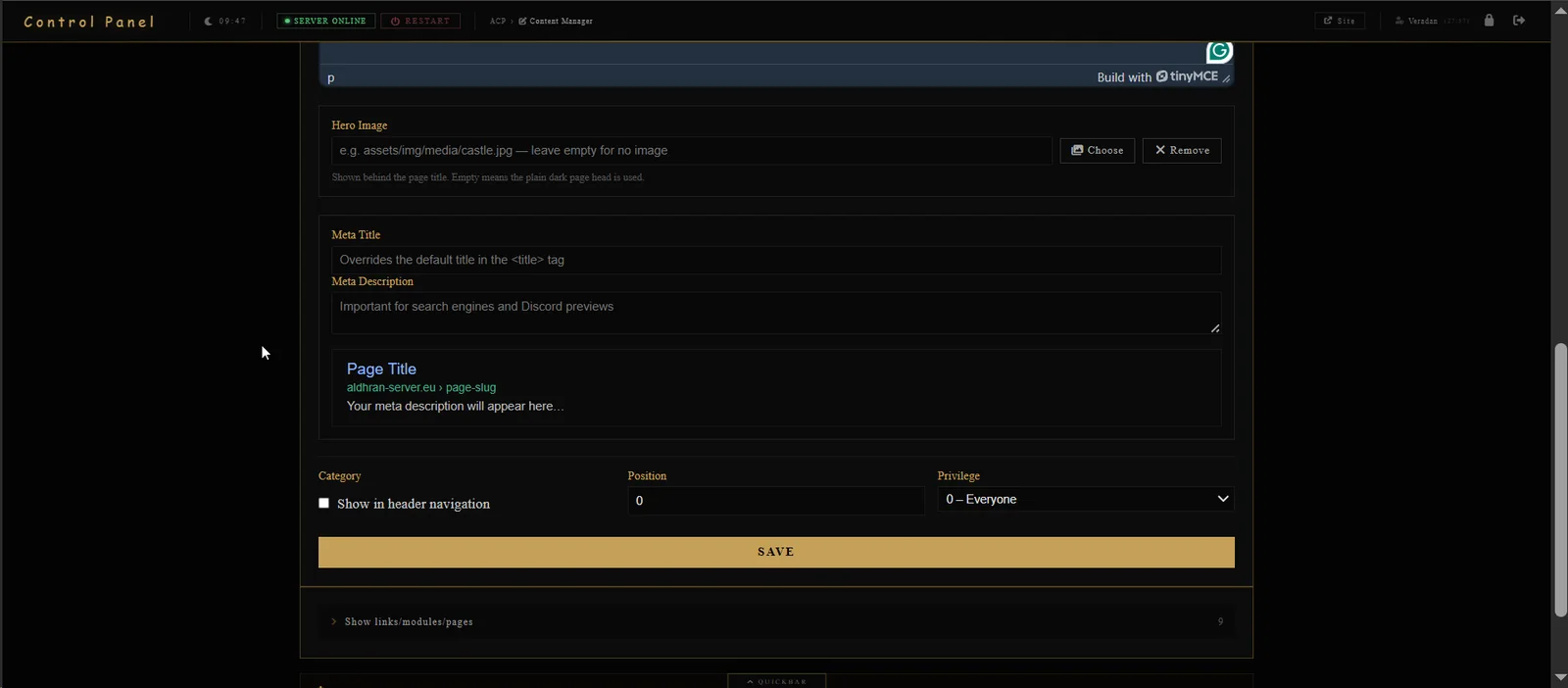
Create hierarchical pages with rich HTML, tables, templates, language variants and scheduled publishing. Each page can define its own hero image, metadata, navigation position and minimum privilege. Media management, bulk actions, version restoration and AI-assisted text/SEO workflows are built into the same module.
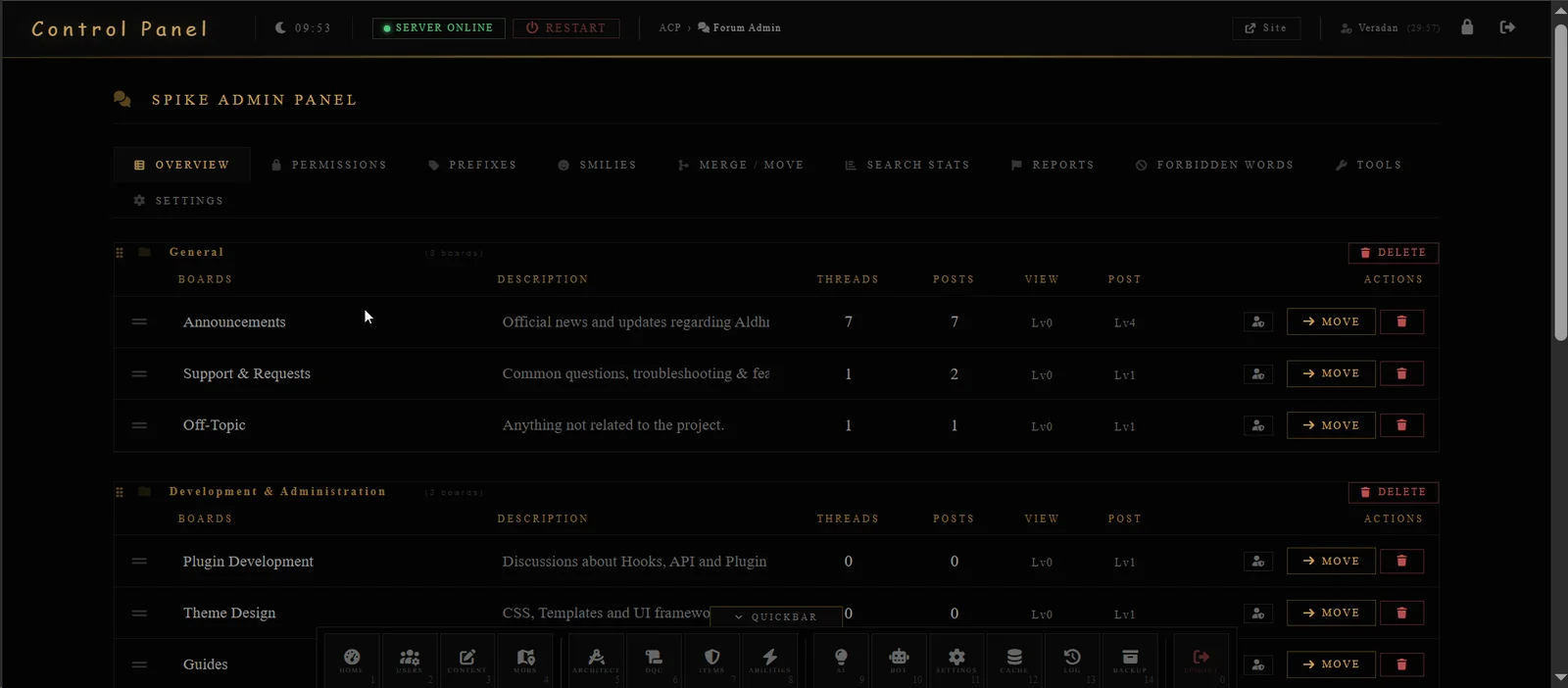
An integrated community system with its own ACP.
Community identity linked to the shard.
Customize the portal without hand-editing every template.
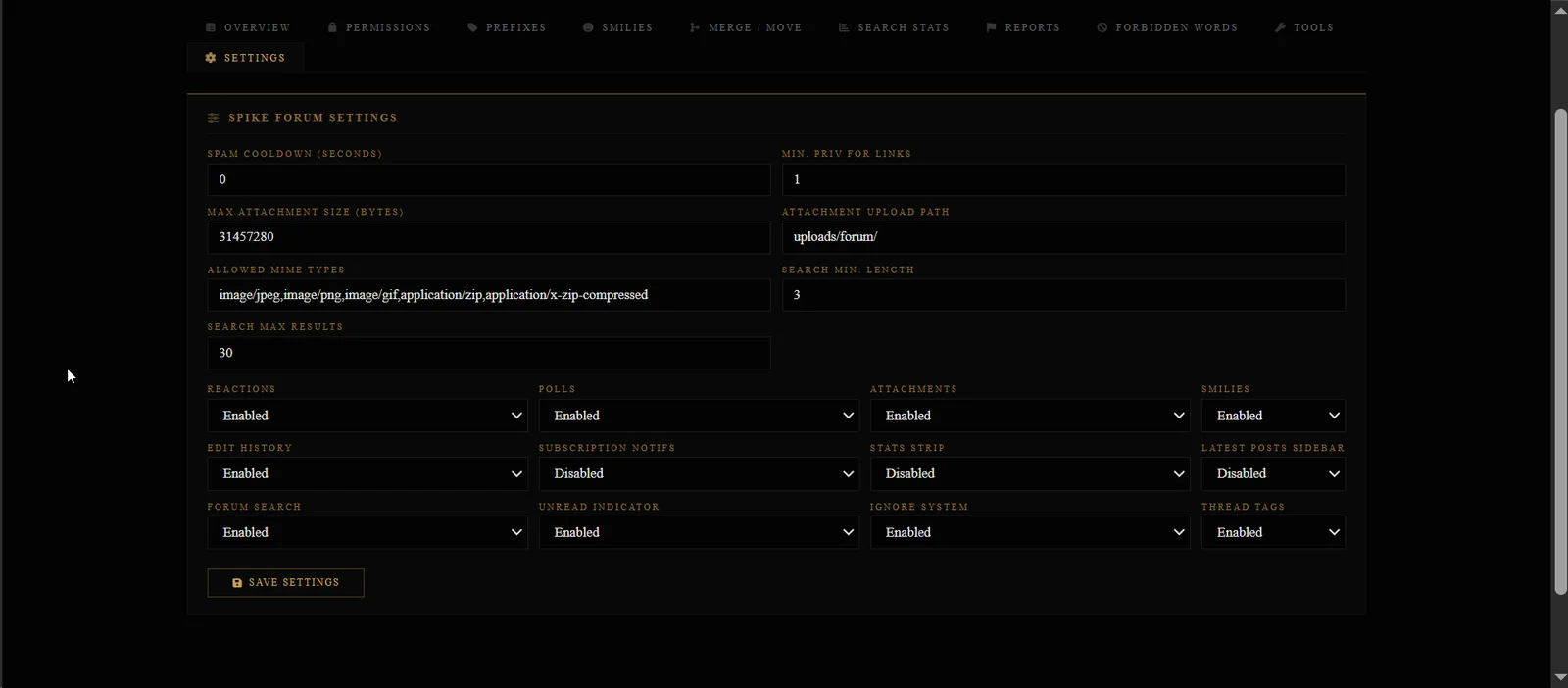
This is where DAoC CMS stops behaving like a normal CMS. The ACP contains purpose-built tools for mobs, items, suits, abilities, quests, characters, zones, constants and server economy analysis.
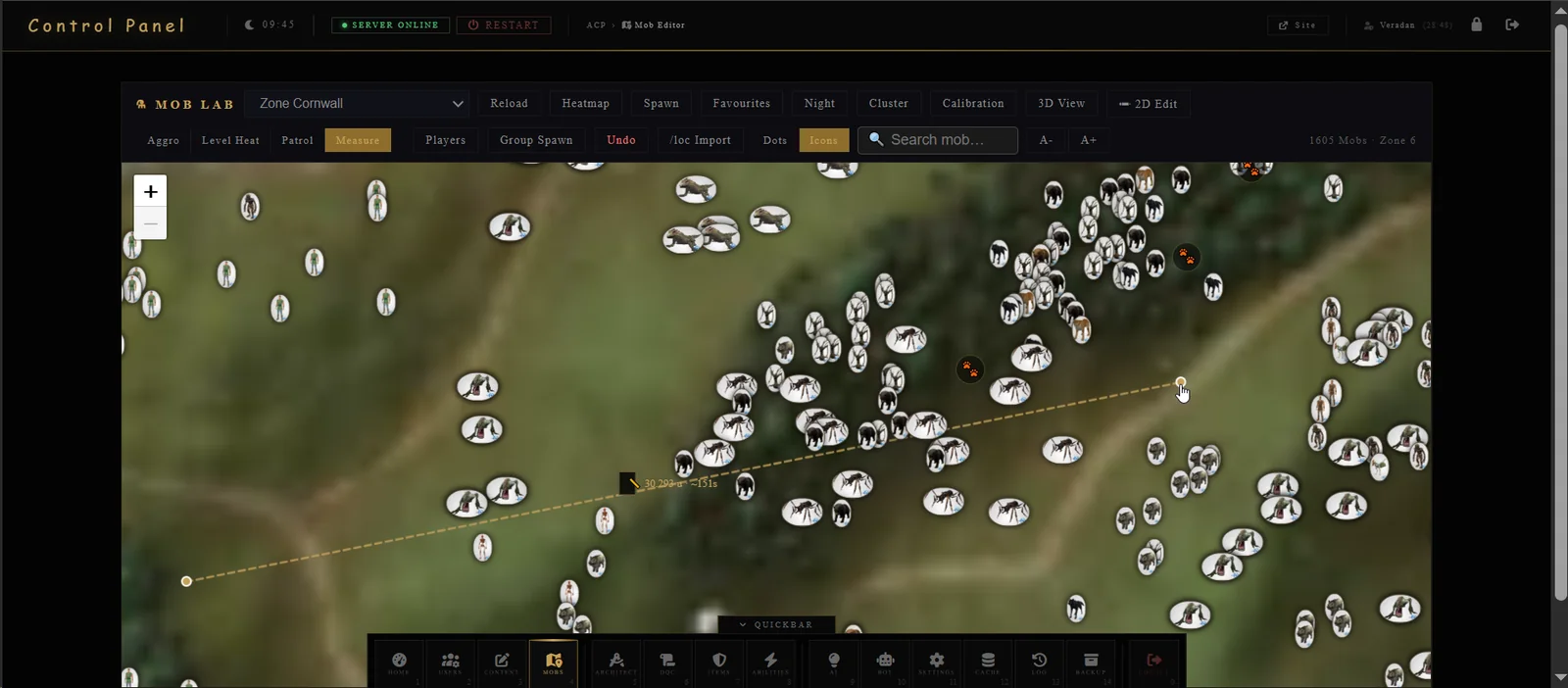
Load a zone, inspect thousands of mobs, switch between dots and model icons, search, measure, inspect aggro and level heat, record patrol routes, group-spawn, import /loc coordinates, calibrate maps and use 2D or 3D views. Undo and favourites make iterative world building practical.
Create and edit item templates with DAoC-specific rules.
Build complete gear sets instead of hand-tuning every row.
Work with DAoC combat data in a structured UI.
Quest authoring with dialogue and reward awareness.
Model the economy before touching production data.
Administrative editors for the data that glues the shard together.
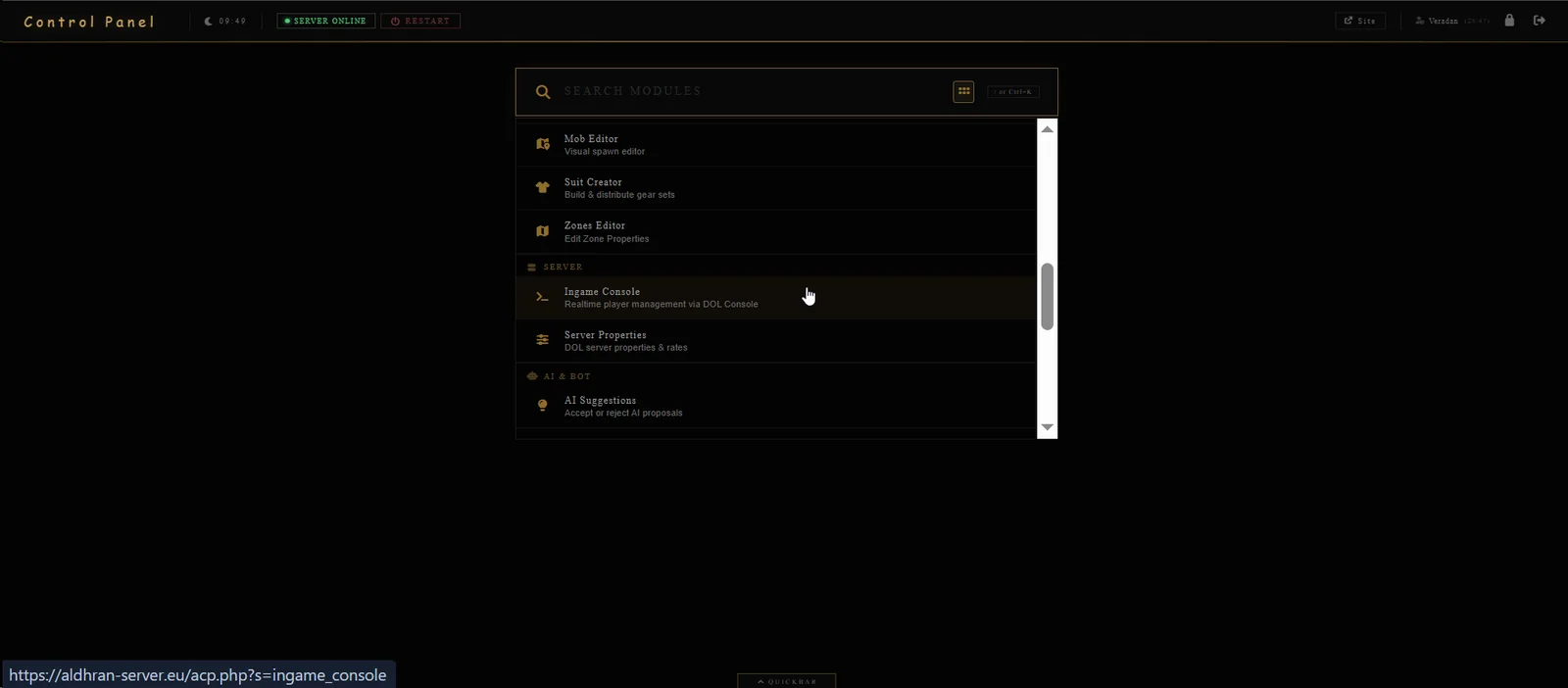
DAoC CMS surfaces everyday staff actions through audited, permission-aware interfaces — while retaining privileged escape hatches for experienced administrators.
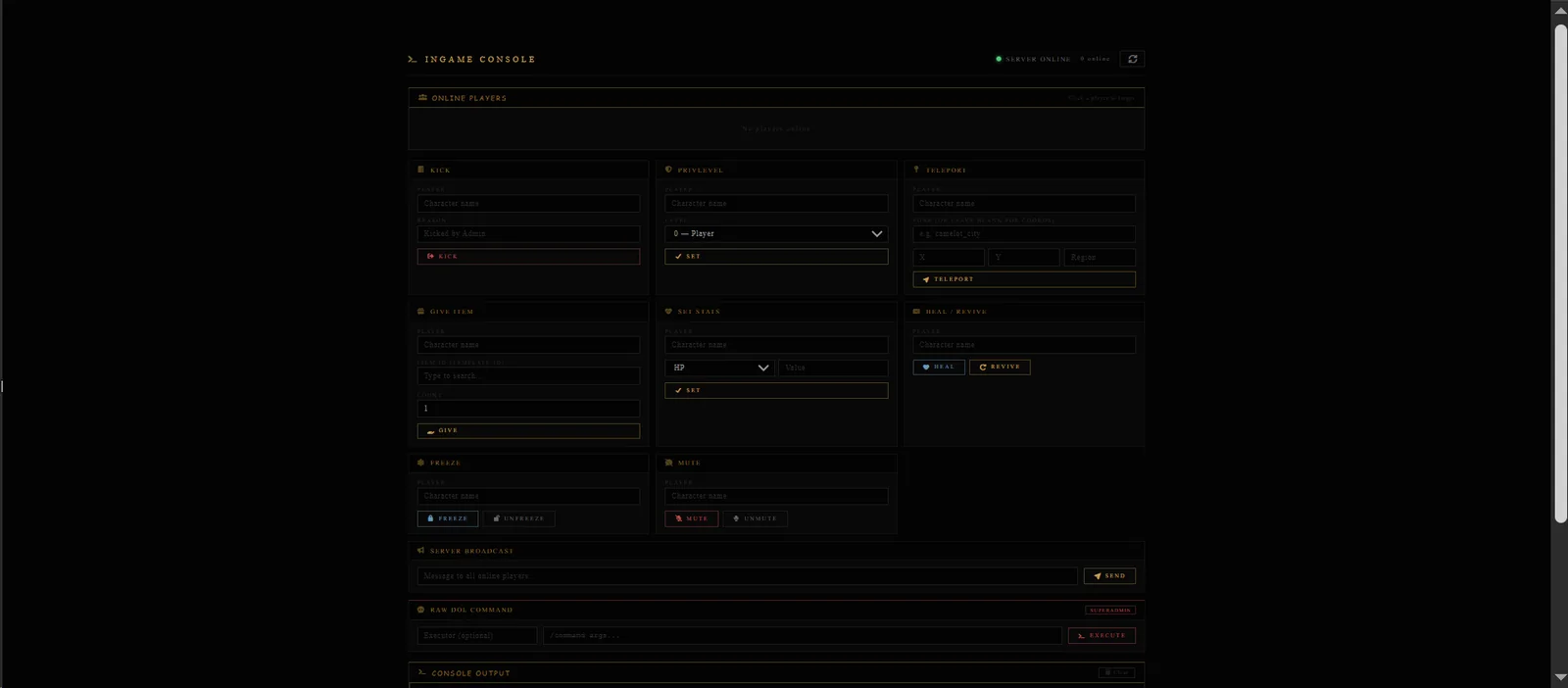
See online players and execute targeted actions such as kick, privilege changes, teleport, item grants, stat changes, heal/revive, freeze, mute and global broadcasts. Superadmins retain a raw DOL command field, with console output and auditing around the workflow.
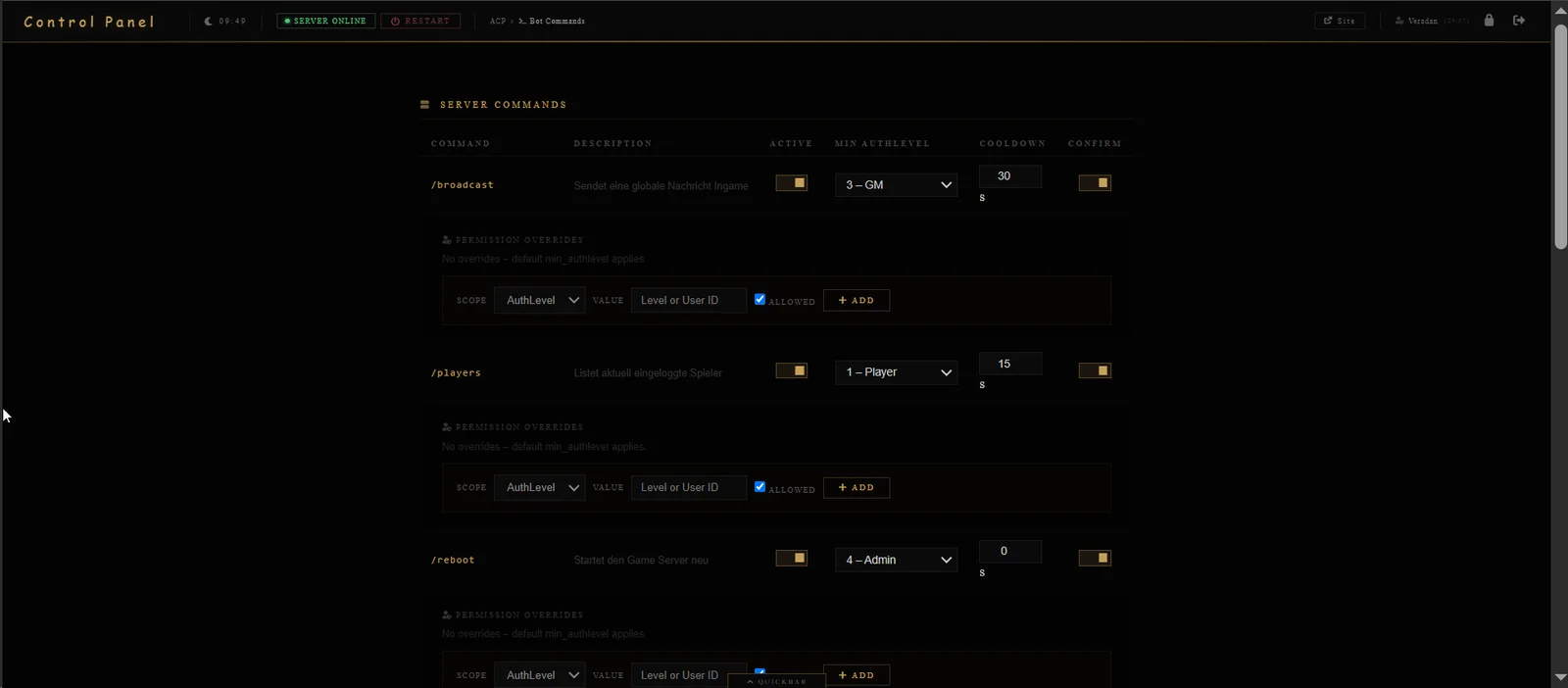
The Discord integration can be enabled independently, synchronize guild chat, connect through a bridge secret/host/port/TLS configuration, and expose commands with minimum AuthLevel, cooldowns, confirmation requirements and explicit per-user or per-level overrides.
The source and UI show a layered administrative model: privilege levels, ACP re-authentication, 2FA, logs, audit tooling, maintenance controls, backups and explicit handling for high-impact server changes.
The supplied source tree contains 28 ACP sections spanning community, content, game content, server operations, AI/bot tooling and system maintenance.
User Manager · Forum Admin · FAQ Manager
Content Manager · Theme Editor · Translation Editor
Mob Editor · Core Architect · Dataquest Creator · Item Creator · Suit Creator · Ability Editor · Character Editor · Zones Editor · Global Constants
Ingame Console · Server Properties
AI Suggestions · Bot & AI Settings · Bot Commands
General Settings · Admin Log · IP Audit · PHP Error Log · Plugin Manager · Cache Manager · Backup Manager
DAoC CMS is built around one idea: running a freeshard should not require a disconnected pile of website software, SQL tools, scripts, bots and spreadsheets. Put the shard itself at the center of the CMS.
Back to the beginning